iPhone location spoofer for apps - what actually works in 2026
Different apps treat your location differently. Here's an honest app-by-app list of what spoofing does on each, what it doesn't, and what to expect after you flip a location on your iPhone.
Different apps treat your location differently. Here's the honest list.
What spoofing covers (and what it doesn't)
The simple rule: if an app reads your iPhone's location, PinDrift changes what it sees. If an app figures out where you are some other way, PinDrift can't help.
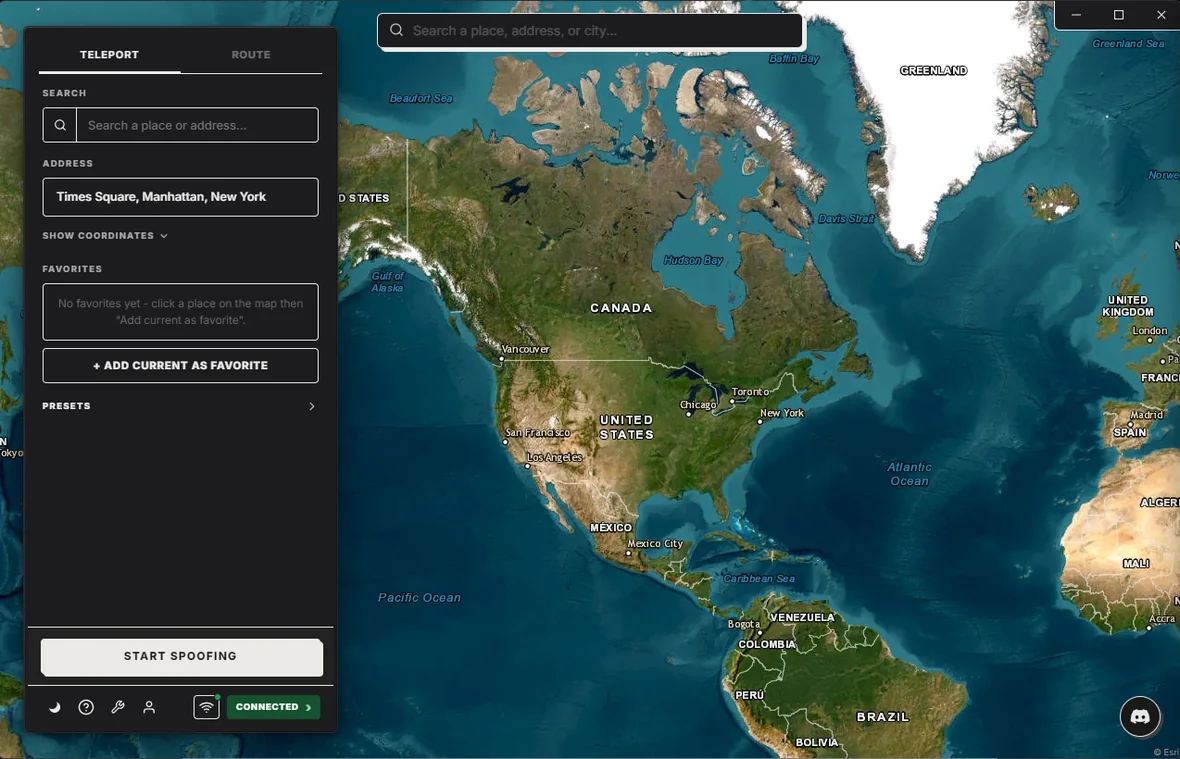
Covered: the location any app reads from your iPhone, the time zone, weather, region-specific search results, geotags on photos, anything that asks the phone "where am I."
Not covered: your IP address (use a VPN if this matters), Wi-Fi networks your phone can see, cell towers, Bluetooth beacons, anything tied to your account's billing address or App Store country.
Family-safety apps
These all read your iPhone's location the standard way. The spoofed pin is what they see.
| App | Spoofing works? | Caveat |
|---|---|---|
| Find My | Yes. Family and friends see the spoofed pin. | Short-range precision finding uses different hardware. |
| Life360 | Yes. Spoofed pin appears in the circle map. | Crash detection uses motion sensors, not GPS. |
| Snapchat Family Center | Yes. Parent's view shows the spoofed location. | "Last active" timestamps update when you open the app. |
Our acceptable use policy draws the line at deceiving minors under your supervision or court-ordered monitoring.
Dating apps
They all see the spoof. People get caught for moving impossibly fast, not for using a spoofer.
| App | Spoofing works? | Caveat |
|---|---|---|
| Tinder | Yes. Same effect as paid Tinder Passport. | Don't spoof. Use a route or wait between jumps. |
| Hinge | Yes. Discovery updates to the spoofed area. | "Looking for someone in X" uses your account city. |
| Bumble | Yes. Matches reflect the new city. | New-city users get a temporary visibility boost. |
Games
Pokémon Go does not show a spoof-detected warning for a correctly reported location. It does watch for impossible speeds. PinDrift's Walk and Drive modes keep you at realistic pace.
| App | Spoofing works? | Caveat |
|---|---|---|
| Pokémon Go | Yes. Spin stops, raid gyms, catch region-locked Pokémon. | Stay under ~50 km/h. Use cooldown calculators. |
| Ingress | Yes. Same engine as Pokémon Go. | Player reports also drive bans. |
| Monster Hunter Now | Yes. Same anti-cheat lineage. | Same speed rules apply. |
Banking and Apple Pay
Banks look at much more than your location. They check your IP, your carrier, your device history, and your account behavior. If your location says Paris but everything else says Atlanta, the bank flags the mismatch. PinDrift can't fix that. We say so honestly. Apple Pay doesn't use your location at all, it uses a wireless tap at the payment terminal. So Apple Pay keeps working no matter what location you spoof.
PinDrift is $9/mo · $60/yr · $70 Lifetime · A True Free Trial · all future updates included, forever.
Frequently asked questions
Will Find My show my fake location?
Yes. Find My reads your iPhone's location the same way every other app does. Your family or friends will see the spoofed pin.
Will dating apps detect spoofing?
They see whatever location your iPhone reports, which is the spoofed one. People get flagged for unrealistic movement, not for using a spoofer. Use PinDrift's Walk or Drive modes between cities and behavior looks normal.
Pokémon Go won't ban me?
Pokémon Go does not show a spoof-detected warning for a correctly reported location. It does watch for unrealistic movement, like jumping across the world or catching monsters at impossible speeds. PinDrift handles location correctly. Whether you keep your account depends on how careful you are about cooldowns and walking speeds.
Does Apple Pay still work?
Yes. Apple Pay doesn't use your location. It uses a wireless tap at the payment terminal. Spoofing has no effect on Apple Pay, transit cards, or anything else in Wallet.
Try PinDrift
A real free trial: no card, no account. $9 a month, $60 a year, or $70 once.
Download PinDrift $9/mo, $60/yr, or $70 onceKeep reading
- iPhone location spooferWhat PinDrift does, in one page.
- Best iOS location spoofer (2026)Ranked comparison of seven tools.
- Life360 spoofer guideExact setup and what your circle sees.
- Going quiet on Life360Pausing and Ghost Mode both get noticed. What does not.
- Find My spoofer guideWhat the people you share with see.